Tools for people
who build things
CADaddy draws. Redline marks up. Both are free, fast and made by people from the electrical trade who got tired of paying for closed, slow software.

CADaddy
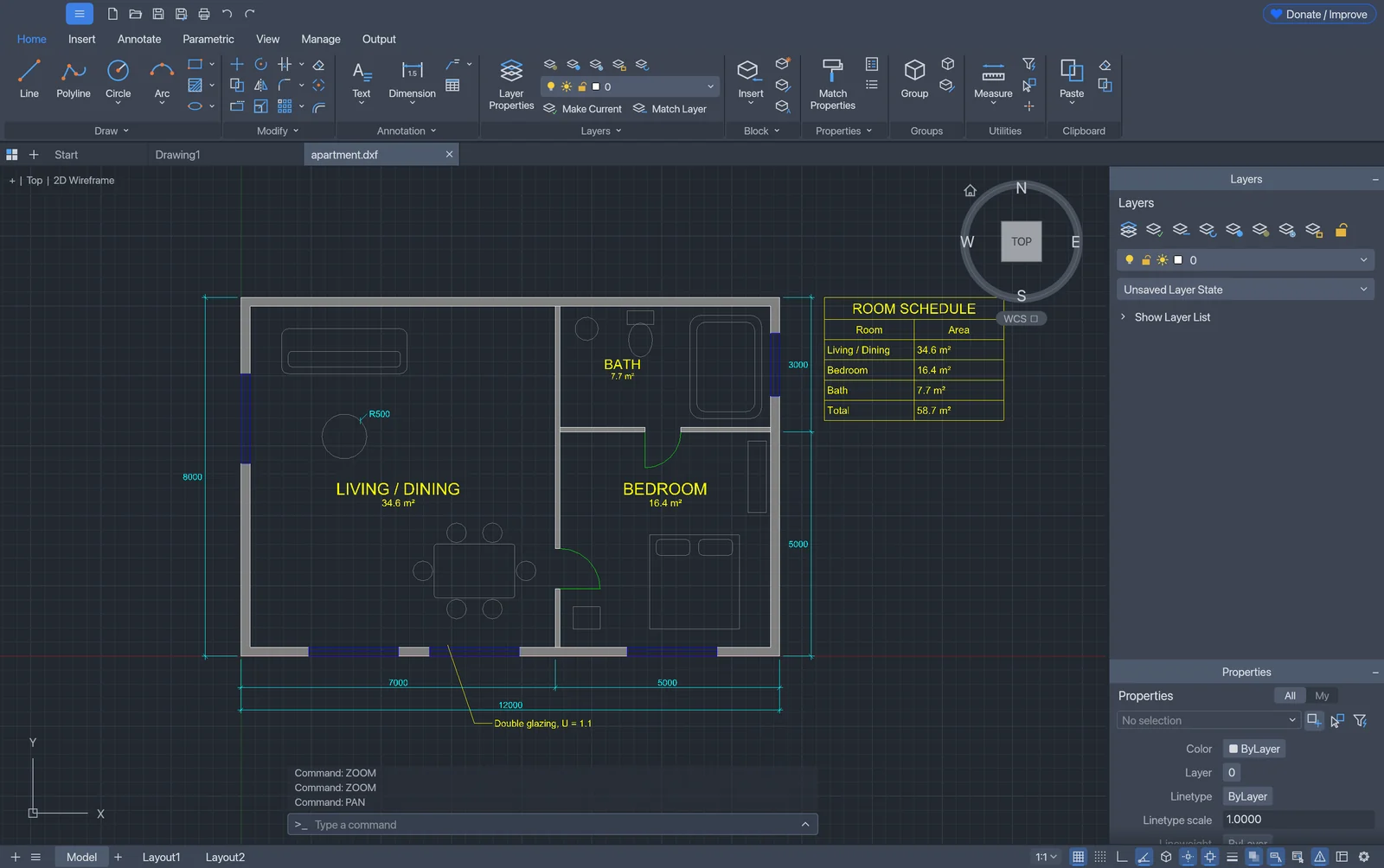
v0.7.9 · early release · Windows · macOS · LinuxA computer-aided design and drafting program that works the way AutoCAD users already do. Type a command, pick your points, done. Written in Rust, so it opens fast and stays fast.
- Command line, object snaps, ortho and polar tracking
- Layers, dimensions, hatches, text, tables and leaders
- Blocks, dynamic blocks and external references (xrefs)
- Opens and saves DWG and DXF; plots layouts to PDF
- Turns PDF drawings into editable DWG
- Walk mode: walk through a building in 3D, right from its floor plans
chmod +x the AppImage and run it, or get the .deb for Ubuntu/Debian. Install help · Free to use, including commercial work.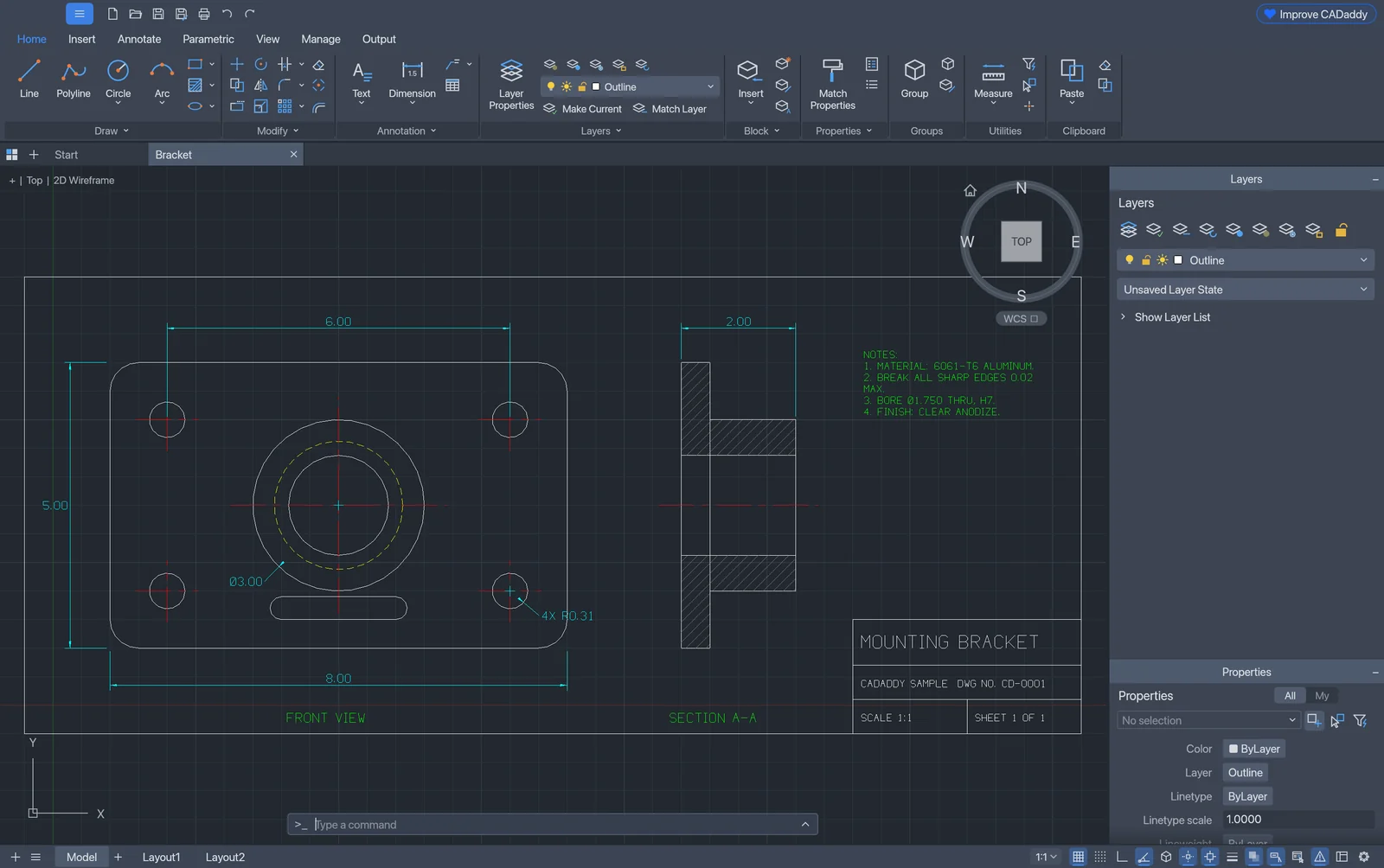

Redline
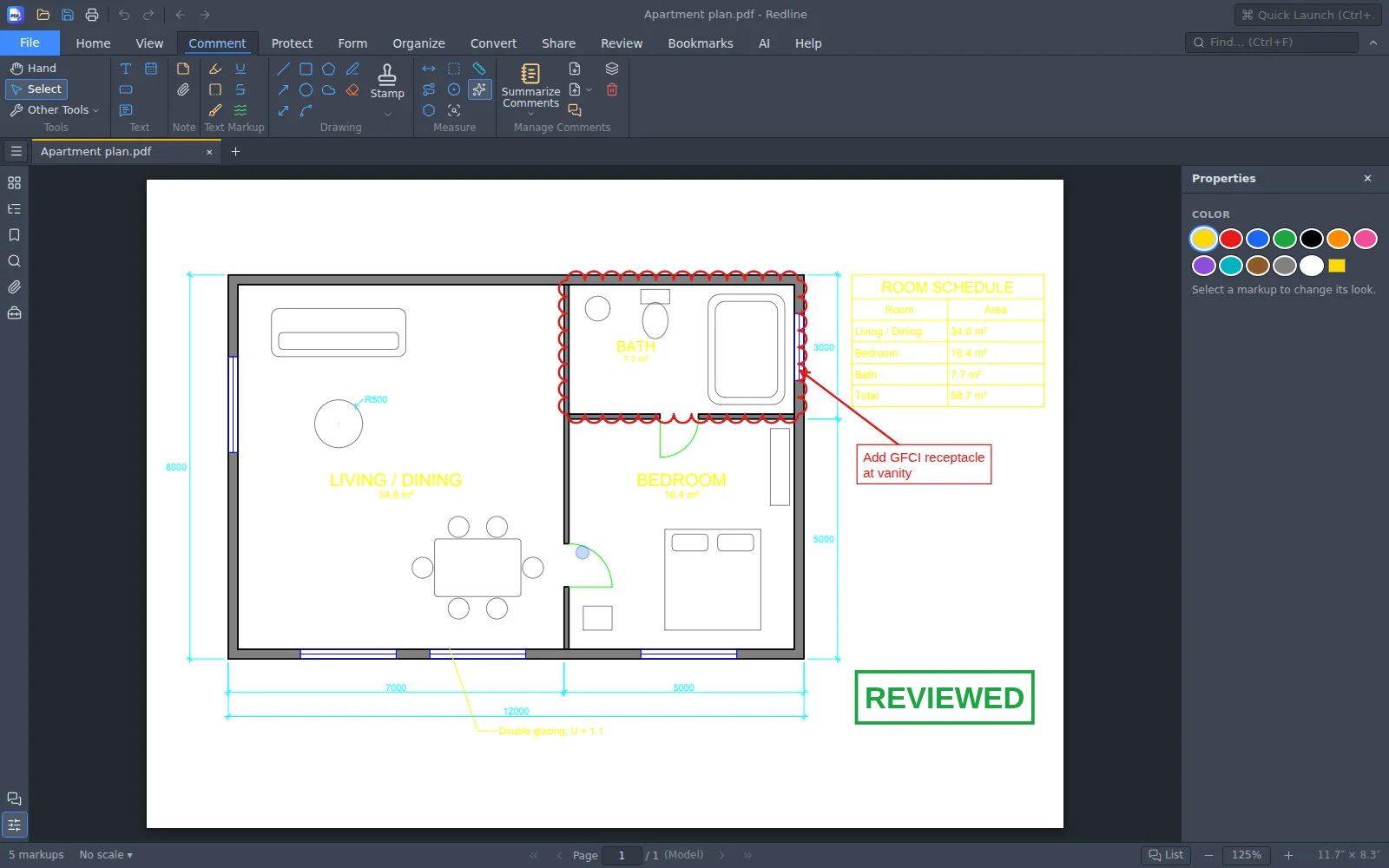
v1.8 · Windows · macOSA PDF app for people who live in drawings. Cloud it, count it, measure it, stamp it, sign it. It runs on your own computer, so your drawings never leave it.
- Clouds, arrows, callouts, stamps and highlights
- Measure lengths and areas at the drawing's own scale
- Count symbols across a sheet
- Fill forms, merge, split, redact and sign
- Text recognition for scanned sheets
From first line to sign-off
The two tools are made to work together, and with the files everyone else already uses.
Draw in CADaddy
Start fresh or open the DWG the architect sent. Layers, blocks and xrefs come through intact.
Plot to PDF
Plot layouts to PDF for the field, the GC or the inspector. Save back to DWG for anyone on AutoCAD.
Mark up in Redline
Cloud the changes, measure, count devices, stamp and sign, then send it back.
Built to be driven by AI
Every CADaddy command is also an API. AI assistants such as Claude can open drawings, draw, query and save through the Model Context Protocol (MCP). Redline has an MCP connector too, for reading PDFs, adding markups and taking measurements.
Agents: a plain-text summary of this site is at aicodeforge.dev/llms.txt, and downloads are on GitHub.
# connect an AI assistant to CADaddy over MCP
$ cadaddy-cli mcp

# or let it drive the app you have open
$ cadaddy --control 7800
$ cadaddy-cli mcp --connect 127.0.0.1:7800

# the assistant can then run, for example:
open      {"path": "plan.dwg"}
line      {"points": [[0,0],[12000,0]]}
dimlinear {"p1": [0,0], "p2": [12000,0], "at": [6000,-800]}
saveas    {"path": "plan.dwg"}
Support the work
CADaddy and Redline stay free for everyone, the way Wikipedia does: kept going by the people who use them. Every dollar goes into building.
Quick answers
Is CADaddy a free AutoCAD alternative?
Yes. CADaddy is a free 2D CAD and drafting program for Windows, Mac and Linux that works the way AutoCAD users already do: command line, object snaps, layers, dimensions, hatches, blocks and xrefs. There is no subscription and no account.
Can CADaddy open and save DWG files?
Yes. CADaddy opens and saves DWG and DXF drawings, including layers, blocks, dynamic blocks and xrefs, and plots layouts to PDF.
Does CADaddy run on a Mac?
Yes. There is a Mac version for Apple-chip and Intel Macs (macOS 11 or newer) and a Windows version for Windows 10 and 11.
Is Redline a PDF editor?
Redline is a PDF app for drawings: markup, clouds, stamps, measurements to scale, counts, forms, redaction and signatures, much like Bluebeam Revu. It is free for Windows and Mac.
Can AI agents use CADaddy?
Yes. Every CADaddy command can be called as JSON, and cadaddy-cli includes a Model Context Protocol (MCP) server, so assistants such as Claude can open, draw, query and save drawings.
Built by the trade, with AI
AICodeForge is a small shop run by people from the electrical trade: the kind who live in drawing sets every day.
The tools of the building trades are expensive, closed and slow. So we started building our own with AI, and giving them away.
Found a bug? Have an idea?
Every message gets read, and the good ideas get built. In CADaddy, use Help ▸ Report a Bug or Request a Feature, or: